
Paxton Net2 access control installers in Kent
We’re a Paxton Silver Partner with more than 15 years’ experience installing and integrating Paxton access control. We design, install and maintain Net2 systems for schools, offices, self storage sites and businesses across Kent.
- NSI approval
- Systems Silver: intruder, CCTV, access control
- Police response
- URN applications for intruder alarms
- Partners
- Hikvision Silver, Paxton Silver, Axis
- Experience
- 50+ years’ combined
- Google reviews
- 120+ five-star
Nova Security Systems is a Paxton Silver Partner based in Folkestone, installing, integrating and maintaining Paxton Net2 access control across Kent for more than 15 years. We look after schools with more than 100 doors on a single Net2 system, connect remote doors and other sites over secure VPNs, upgrade Paxton Switch2 to Net2, and integrate Net2 with fire alarms, intruder alarms, CCTV, ANPR and self storage software.
Paxton specialists
- More than 15 years with Paxton: installing, integrating and maintaining Net2 and its readers, door controllers, PaxLock Pro and Entry door entry.
- Large single systems: we look after schools with more than 100 doors on one Net2 system.
- Remote doors and multi-site: doors at other buildings and other towns, connected back to one Net2 server over secure VPNs, even on 4G.
- Integrations: fire alarms, intruder alarms, CCTV, ANPR, visitor management and self storage software.
- Upgrades and takeovers: Switch2 to Net2, replacing Net2 Classic controllers, and taking over systems installed by others.

What is Paxton Net2?
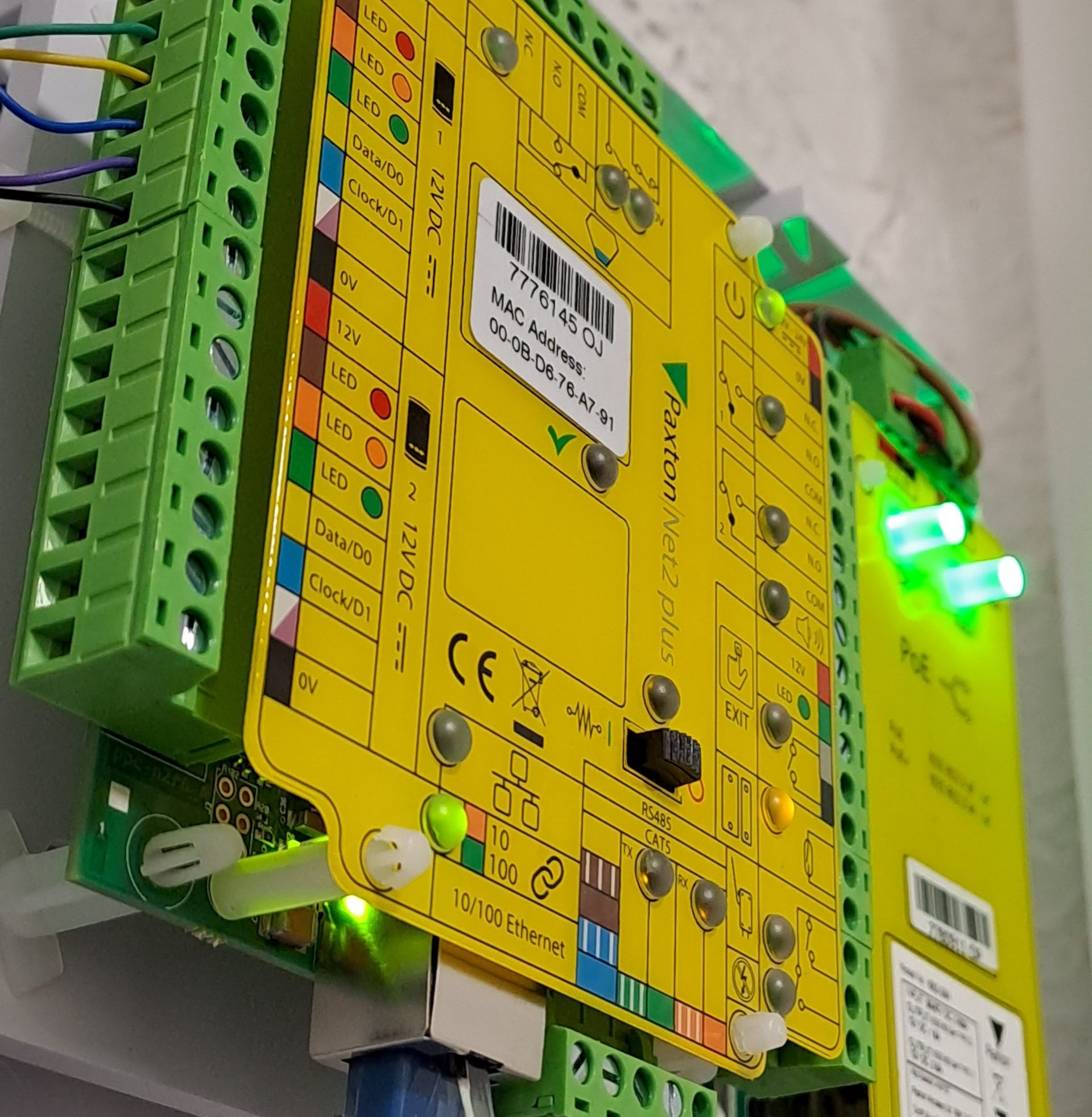
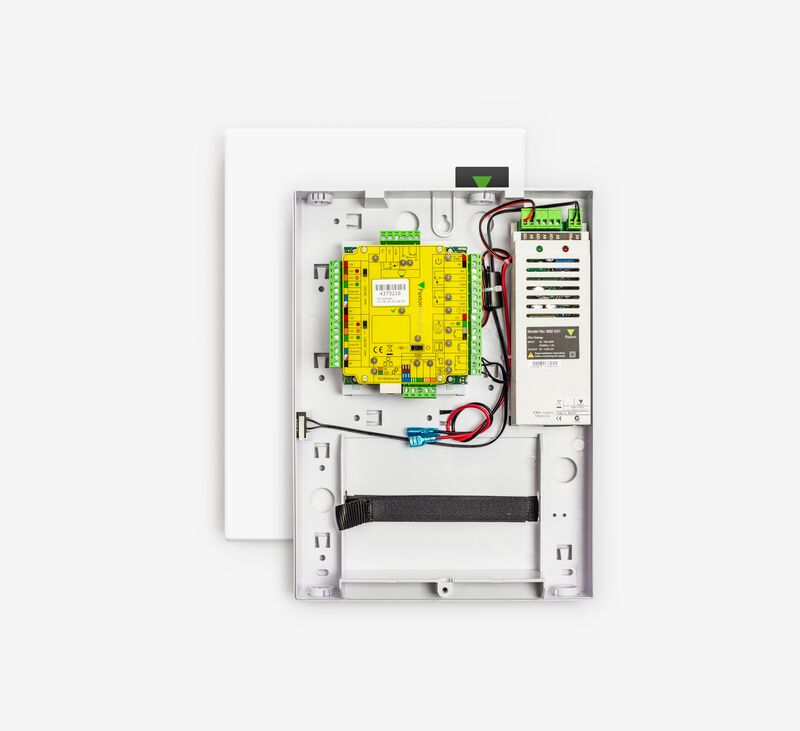
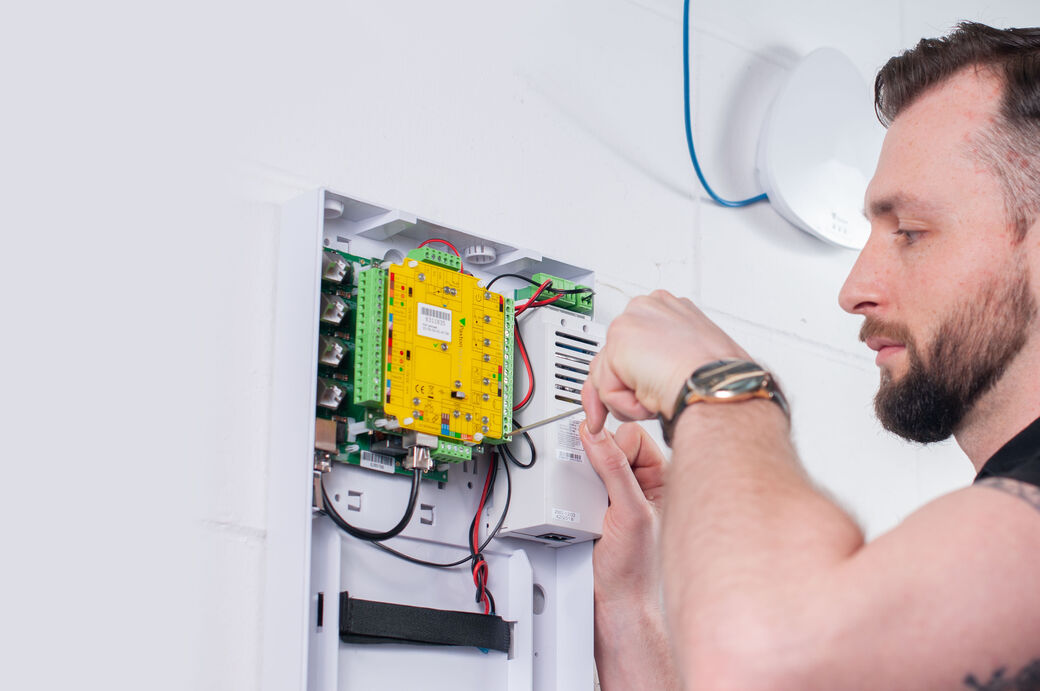
Net2 is Paxton’s networked access control system. A Net2 door controller at each door connects to the readers, the lock, the exit button and the door contact, and every controller talks to the Net2 software on a PC or server over your network. From the software you add and remove users, decide who can go where and when, and see every door event.
Each controller makes its own decisions and remembers its events, so doors keep working if the network or the PC goes down, and the events are sent back when the connection returns.
Net2 Lite and Net2 Pro
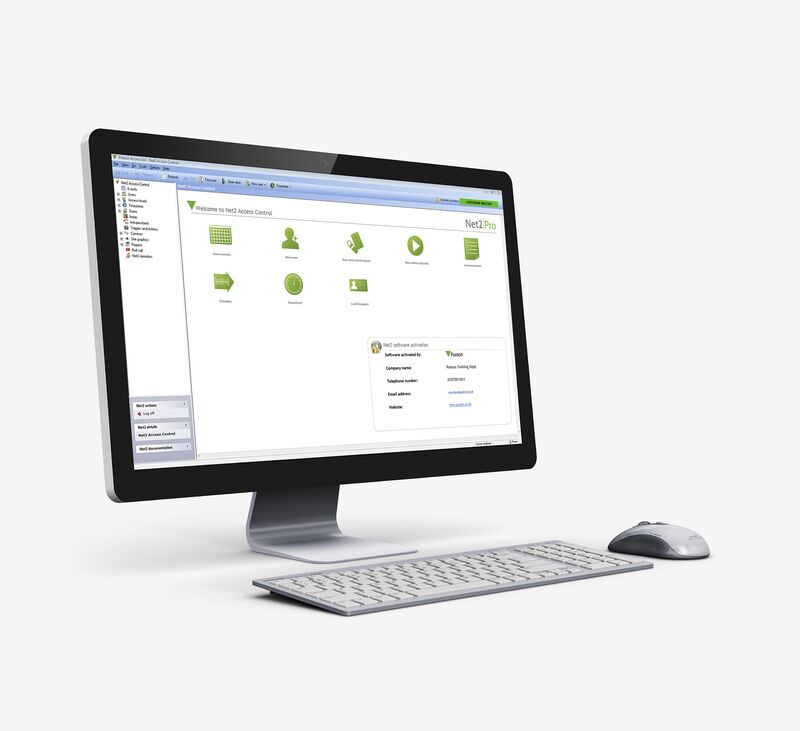
Net2 Lite is free and suits many sites. Net2 Pro adds the features most schools and larger sites want, such as lockdown and roll call. Paxton’s software is licence-free, with free upgrades and unlimited client PCs.
| Feature | Net2 Lite | Net2 Pro |
|---|---|---|
| Price | Free | Paid upgrade |
| Multiple PCs, CCTV integration, triggers and actions, intruder alarm integration | Yes | Yes |
| Security lockdown | No | Yes (wired doors) |
| Roll call, including one triggered by the fire alarm | No | Yes (wired doors) |
| Anti-passback | No | Yes (wired doors) |
| Card designer, timesheets, areas | No | Yes |
| Paxton Connect app and Net2Online browser access | No | Yes |
Lockdown, fire alarm features and anti-passback aren’t available on wireless doors such as PaxLock Pro, so we plan wired and wireless doors around the features you need.
Net2 system limits
How far one Net2 system goes, from Paxton’s own figures.
| Limit | |
|---|---|
| Doors per system | Up to 1,000 |
| Users per system | Up to 50,000 |
| Users stored in each Net2 Plus controller | Up to 50,000 |
| Time zones | 64 |
| Access levels | 250 |
| Events stored in a controller while offline | 2,500+ |
| Readers or keypads per Net2 Plus controller | Up to 4 (2 reader ports) |
| Users in a Net2 Nano wireless controller | Up to 10,000 |
| Wireless units per Net2Air bridge | 10 recommended (often closer to 5 on real sites) |
Figures from Paxton’s Net2 software page and the Net2 Plus, Net2 Nano and Net2Air bridge datasheets. Net2 v7 runs on 64-bit Windows 10 or 11, or Windows Server 2016 to 2025, and Paxton requires the database to be on the same machine.
Bigger than that?
Few sites come near 1,000 doors, but if you need more, or several separate sites with video on one platform, Paxton10 manages up to 100 sites from one server. We’ll talk you through which suits you.
Running out of something else?
The limits people actually hit are usually wireless range, PC hardware and network design, not doors or users. That’s why we survey first and design the network side as carefully as the doors.
Net2 for schools
Net2 is a very popular choice for schools, and schools are a large part of our Paxton work. We look after school sites with more than 100 doors on a single Net2 system.
- Emergency lockdown: secure chosen doors in one action, including disabling exit buttons, while named staff can still get through (Net2 Pro, wired doors).
- School-day time zones: doors unlock and lock automatically for the school day, open days and holidays.
- Fire alarm link: the fire alarm cuts the power to fail-safe locks on escape doors through a hardwired interface, and Net2 Pro can produce a roll call automatically.
- Staff ID cards: print photo ID cards with Net2’s card designer.
- Visitors and contractors: tokens that expire automatically, and visitor management such as EntrySign and InVentry.
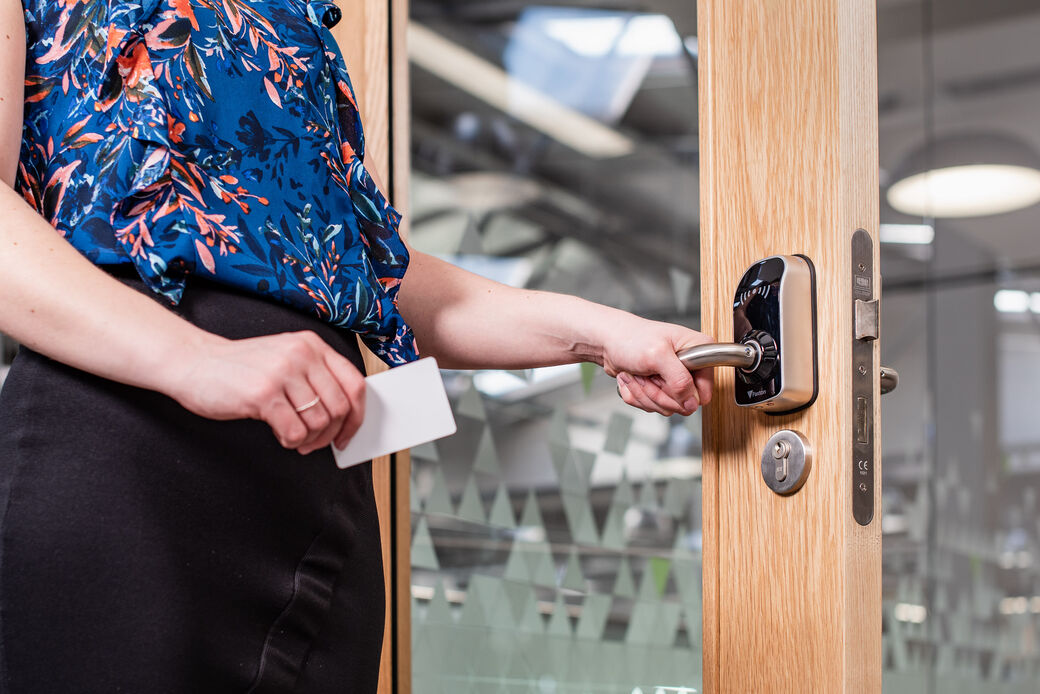
- Classrooms: PaxLock Pro wireless handles fit existing doors with little disruption to lessons.
Remote doors and multi-site Net2
One Net2 server can run doors at more than one building, or in a different town, because Net2 controllers talk to the server over a LAN, WAN or VPN. That makes Net2 a good fit for shops with several branches, schools on more than one site, offices, yards and compounds, all managed from one place with one set of users.
Port forwarding and a static IP
The simplest way to reach a remote controller is to forward ports at the remote site’s router to a static IP address. It works, but it opens ports to the internet, and it isn’t possible at all on most 4G connections or on IT networks that won’t open ports.
Our own WireGuard VPNs
The more secure way, and the one Paxton itself recommends for traffic over the internet, is a VPN. We install our own in-house WireGuard VPNs, which link the remote doors to the Net2 server through an encrypted tunnel. Because the remote end connects outwards, it works over locked-down IT networks and over 4G connections that can’t accept incoming connections, without opening any ports.
- Remote doors appear in Net2 just like local ones
- Doors keep working on their own if the link drops, and catch up when it returns
- Net2 needs up to about 200 kbps, so even 4G links are usually enough
- Works alongside 4G connectivity for sites with no internet line
For IT teams: Net2 uses TCP and UDP ports 6474 to 6485 between the software, server and I/O boards, plus 10001 and 30718 for TCP/IP to RS485 adaptors (Paxton).
Net2 integrations
Net2 works with far more than doors. These are the integrations we’re asked for most.
Self storage software
Paxton lists Storman Cloud, Stora and Kinnovis as Net2 storage management integrations: customers are given access from the storage software, locked out automatically when payments are overdue, and let back in once they’ve paid. Other storage platforms, such as Storeganise and Storage Manager, offer their own Net2 add-ons.
ANPR
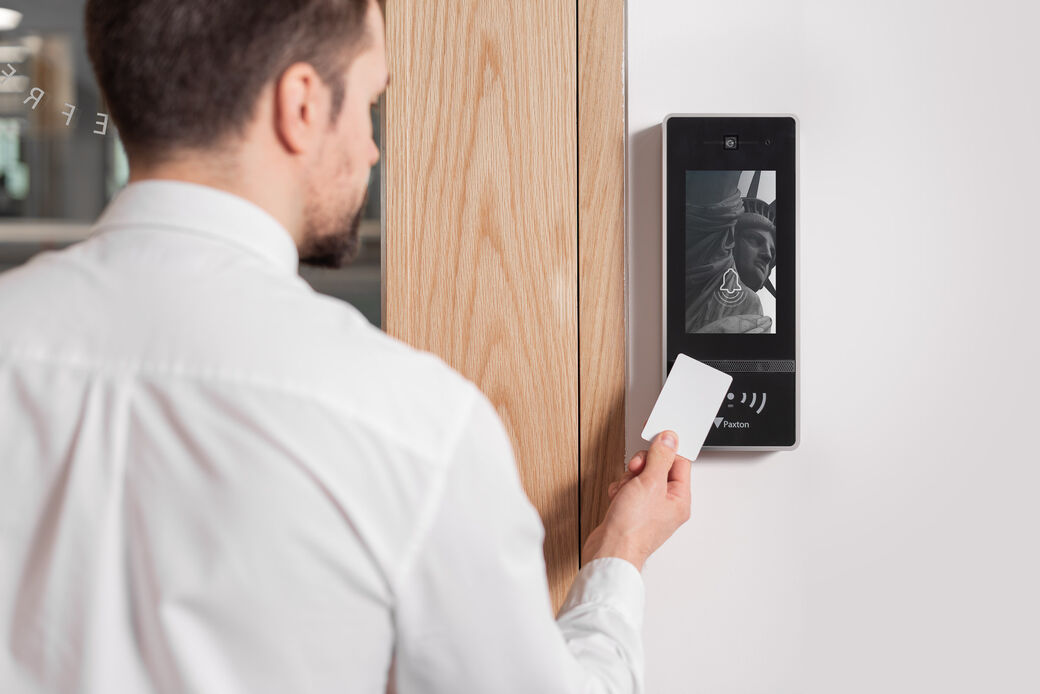
Number plate recognition cameras pass the plate to a Net2 controller as a Wiegand signal, so vehicles are let in by the same users and access levels as everyone else. Paxton lists Hikvision, Dahua, AVUTEC and TagMaster ANPR integrations. For Clive Emson in Maidstone we combined Hikvision ANPR and Paxton Net2 Entry at a car park barrier.
Fire alarms
Doors on escape routes must unlock when the fire alarm operates, and that has to happen in hardware: the fire alarm interface cuts the power to fail-safe locks directly, so the doors release even if the access control system, its software or its network has failed. We design that interface to BS 7273-4. Net2 Pro’s own fire alarm input isn’t a compliant way to release locks, but it’s useful alongside the hardwired interface, for example to produce an automatic roll call. Because we install fire alarms too, one company is responsible for both sides.
Intruder alarms
Net2 can stop people entering while the alarm is set unless they’re allowed to unset it, and unset the alarm automatically when they badge in. Texecom multi-zone integration is built into Net2, and other panels can be linked through the controller’s inputs and outputs.
CCTV, visitors and more
Paxton’s integration partners include Hikvision, HikCentral and Milestone for video, visitor management such as EntrySign, InVentry and Envoy, biometrics and mustering apps. Integrations built on Paxton’s old SDK stop working at Net2 v7, so we check them before any upgrade.
Got Paxton Switch2? Upgrading to Net2 is easy
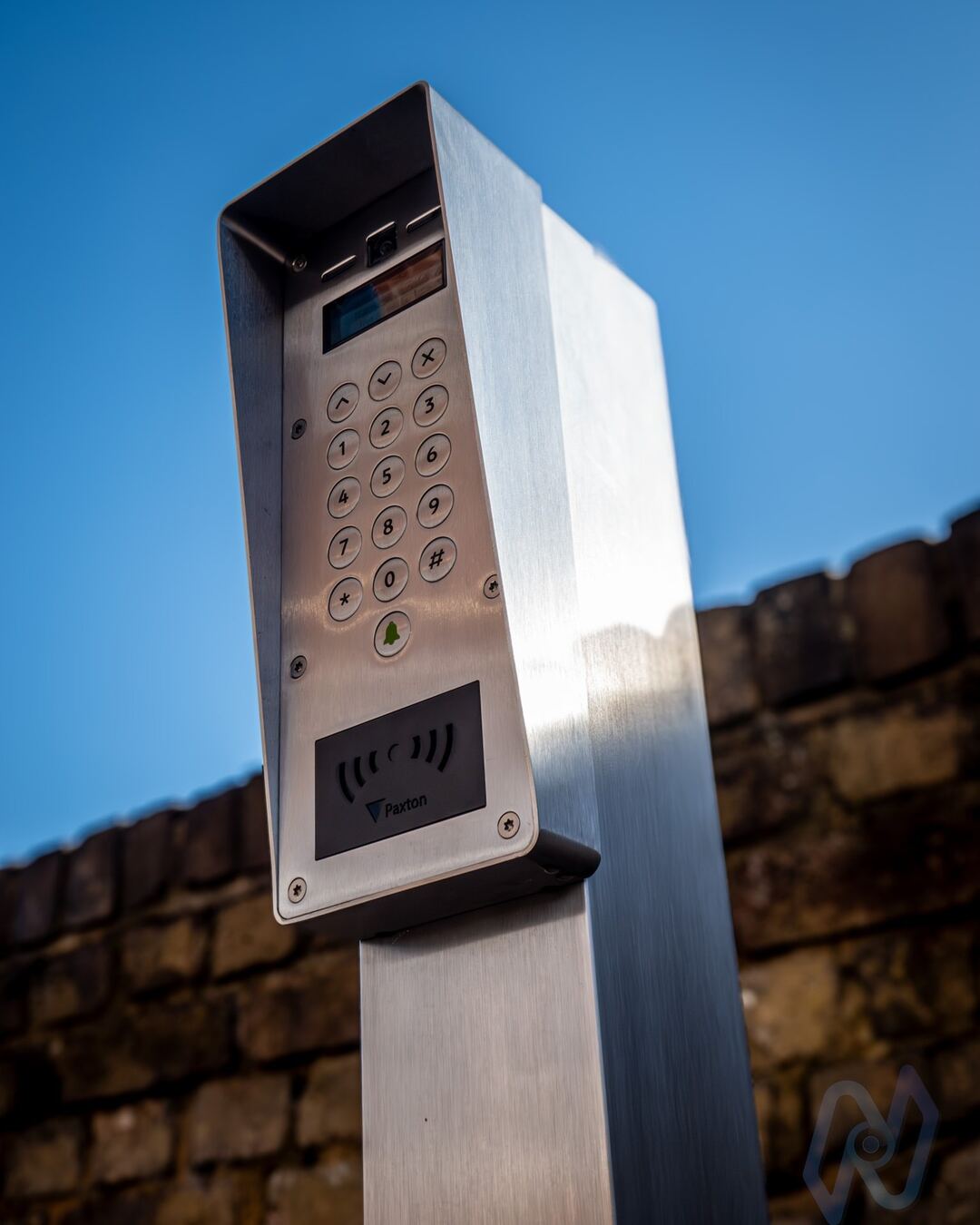
Switch2 is Paxton’s standalone access control system. Each door has its own control unit with no network, no PC and no software: it’s programmed by presenting cards at the reader.
How to tell if you have Switch2
- You have a book or wallet of cards, with an enrolment card and shadow cards where you write down who has each token
- New tokens are added by presenting cards at each reader, door by door
- There’s no Paxton software on any PC, and no record of who went through which door
Why it holds multi-door sites back
Every door is programmed separately, so adding a user or barring a lost card means walking round and presenting cards at every reader. There’s no audit trail, no remote management and no lockdown, and each controller holds a limited number of tokens: Paxton’s datasheet gives up to 5,000.
Why the upgrade is easy
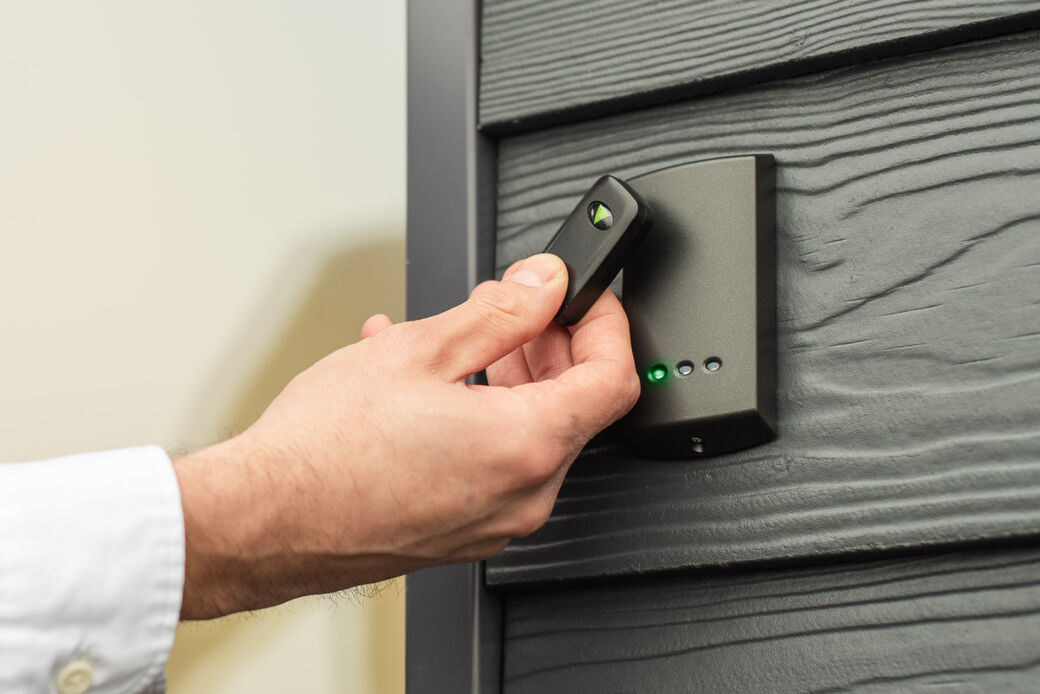
Upgrading Switch2 to Net2 mainly means replacing each Switch2 control unit with a Net2 controller and adding the software. The locks, exit buttons and cabling can usually be reused, and Paxton’s proximity readers and keypads are made for both Switch2 and Net2, so they can usually stay too. You get every Net2 feature for far less cost and disruption than a new system.
Net2 v7 and older Net2 Classic controllers
Paxton released Net2 v7 on 3 February 2026. It adds multi-factor authentication at login and is enabled by default on new installations. Two things to check before upgrading an older system:
- Net2 Classic controllers: systems that still contain them can’t be upgraded past v6.9. Classic controllers haven’t been sold in the UK since 2014 and have been out of warranty since 2019, so we replace them with Net2 Plus controllers.
- Integrations: anything built on Paxton’s old SDK stops working at v7 and needs moving to Paxton’s API.
We check both as part of a survey, so an upgrade doesn’t leave a door or an integration behind.
How we work
Survey
We walk the site, look at the doors, the network and any existing Paxton system.
Design and proposal
Doors, readers, controllers, network and integrations, with a clear specification and price.
Installation
Wired and wireless doors, the Net2 server and any VPN links to remote sites.
Handover and support
Training on the software, documentation and a one-year equipment and labour warranty, with maintenance after that.
Paxton installers across Kent
From our office and workshop at Shearway Business Park in Folkestone we install and maintain Paxton Net2 across Kent, including Folkestone, Hythe, Dover, Deal, Ashford, Canterbury, Whitstable, Herne Bay, Margate, Ramsgate, Broadstairs, Maidstone, Tonbridge, Tunbridge Wells, Sevenoaks, Gravesend, Dartford, Sittingbourne and Medway, and further afield for multi-site customers.
More about access control · Door entry and intercoms · Traffic barriers and ANPR · Fire alarms
Recent projects
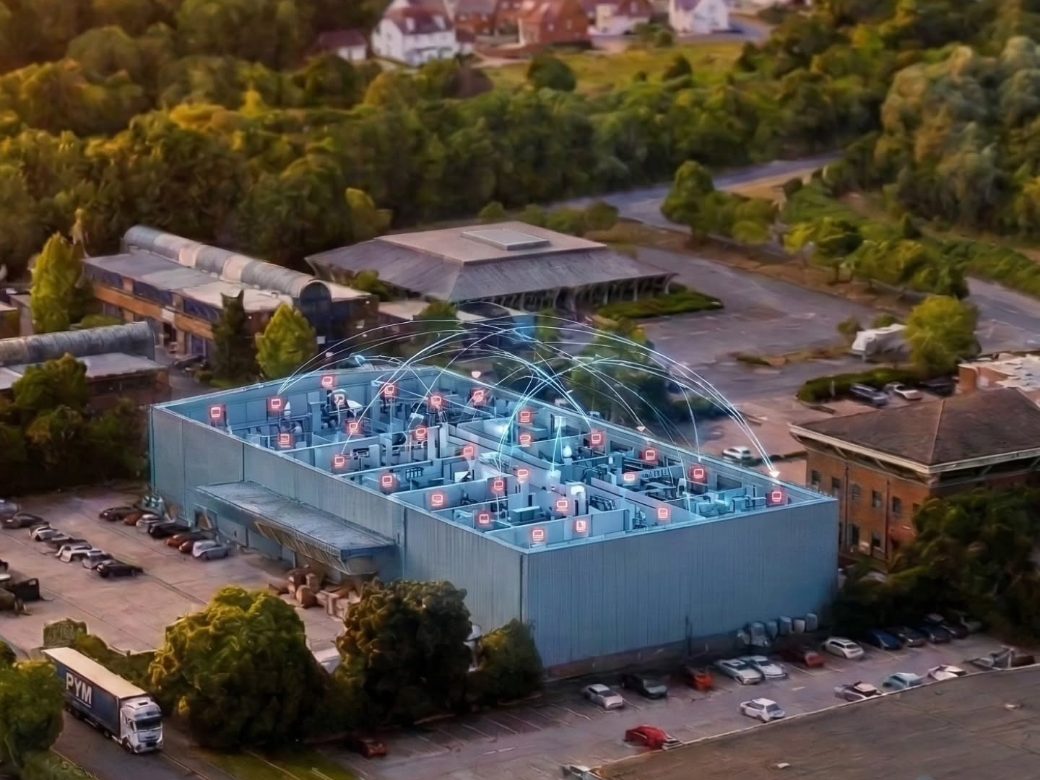 A wireless fire alarm for a 54,000 sq ft warehouseAjax EN54 and FireFind for Fileder Filter Systems in Maidstone: 138 devices, no cabling. Featured by Ajax.Read the case study
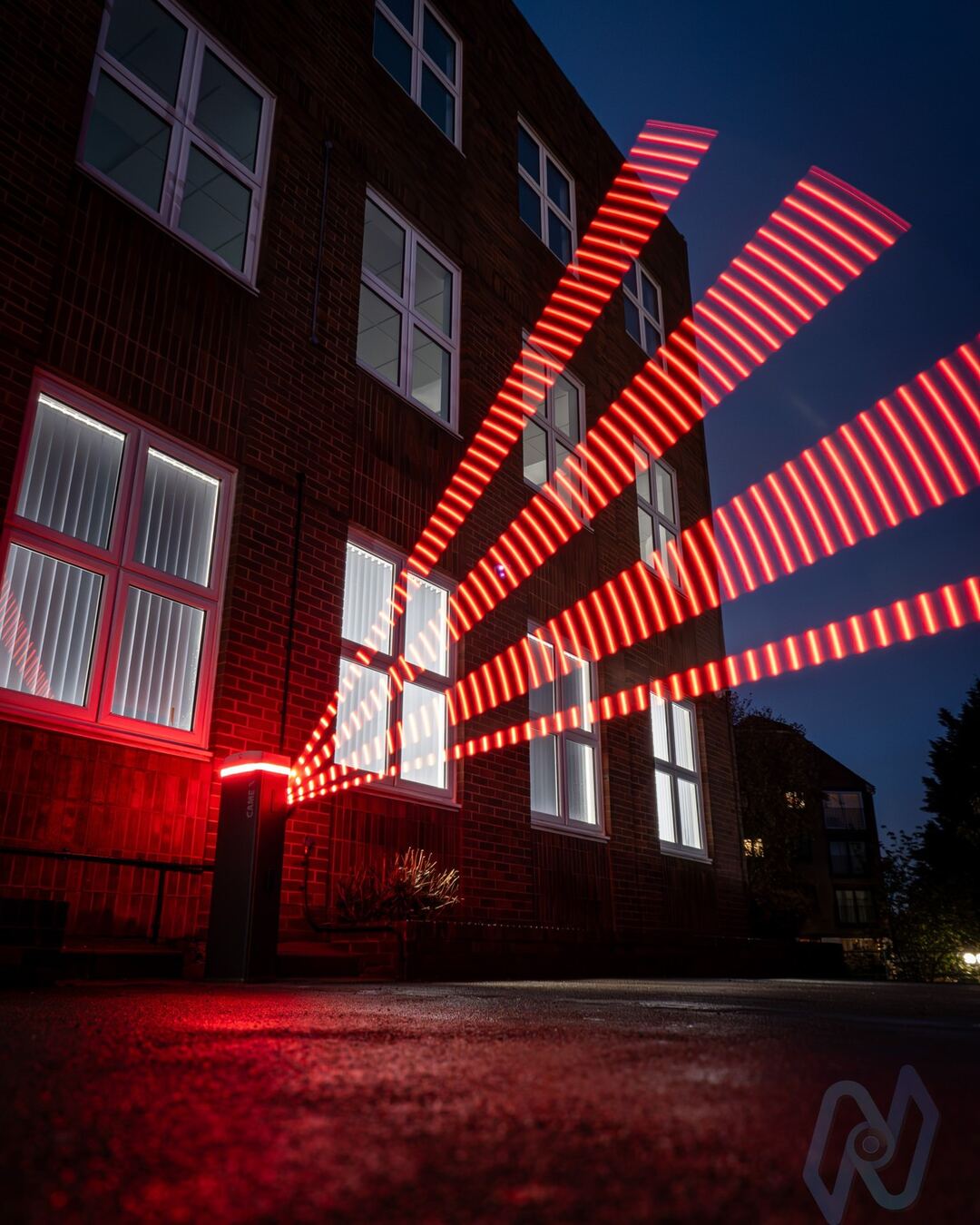 A CAME Gard GT4 barrier for Clive EmsonAn illuminated barrier at the auctioneers’ new Maidstone offices, opened by Hikvision ANPR and Paxton Net2 EntryRead the case study
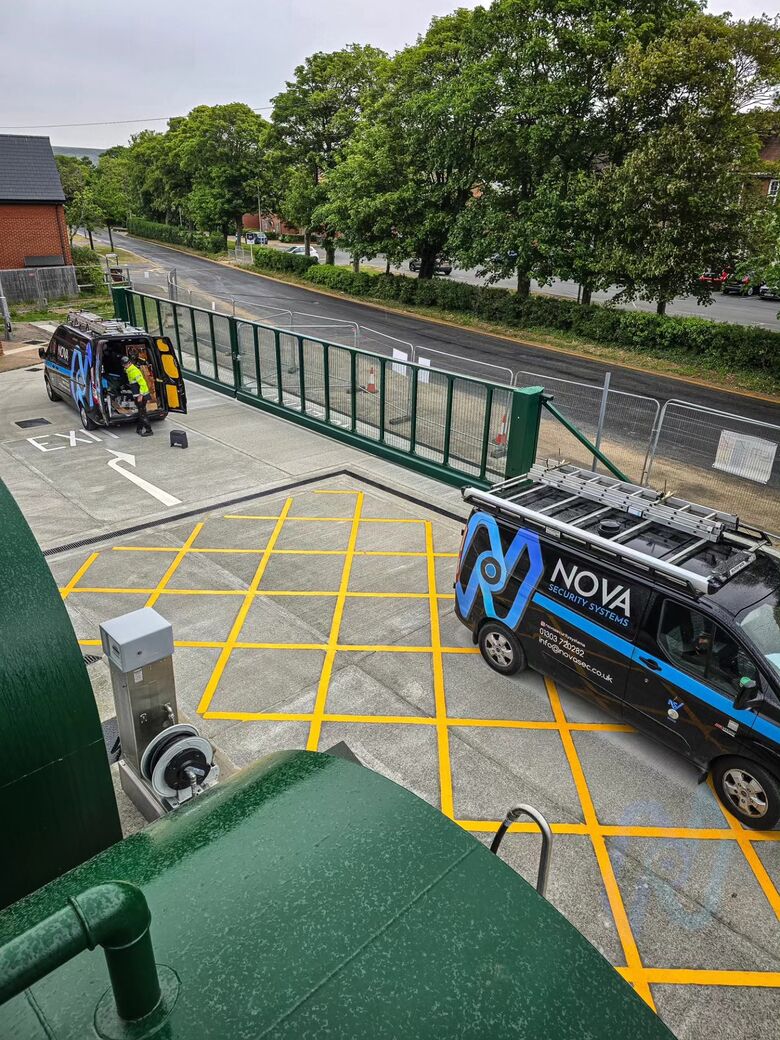 A 16 m cantilever and 10 m swing gates in ShorncliffeA pair of 16 m cantilever gates and a pair of 10 m swing gates, Feig and Fadini automation, BEA safety lasers and Paxton access control, with M&E contractor HendersonRead the case study
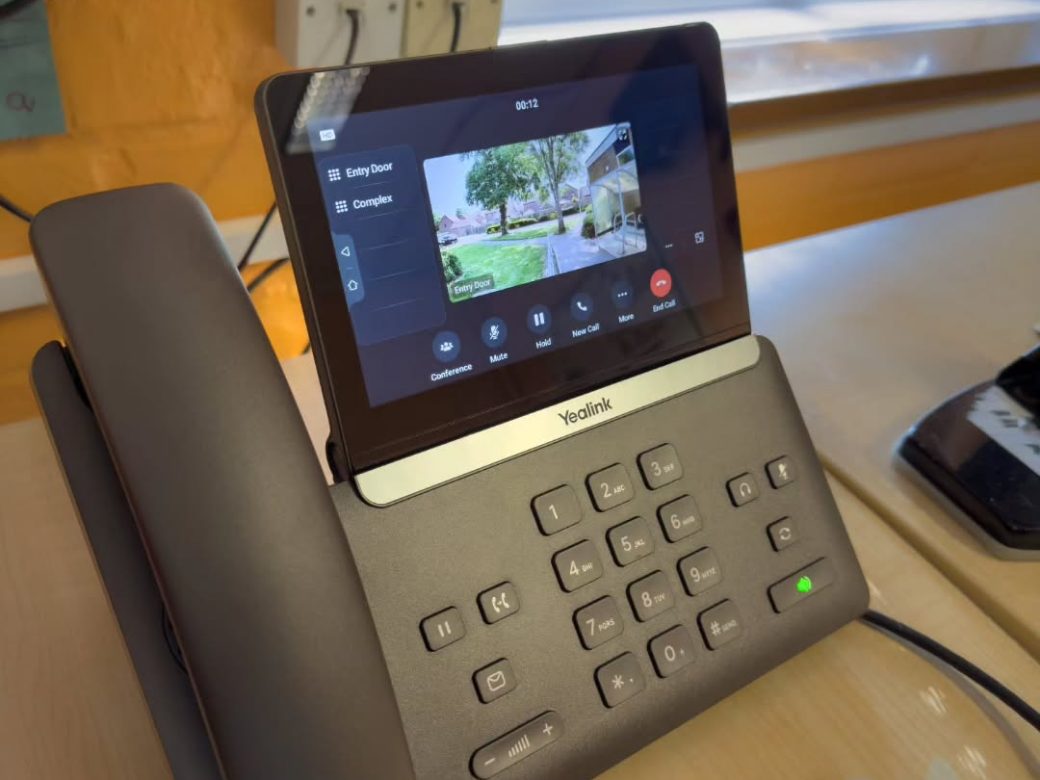 Access control and video entry for Cheriton Primary SchoolCloud-connected Akuvox entry and Yealink phones, for safeguarding and staff roll callRead the case study
Sources
- Paxton: Net2 access control software
- Paxton: Net2 software compatibility and support
- Paxton: Net2 Plus datasheet (TDS-1038)
- Paxton: Net2 networking (APN-1006)
- Paxton: Switch2
- Paxton: Net2 Classic switchover
- Paxton: integrations
- Paxton: education
- Paxton: find an installer
This information is general guidance, not advice for any particular building, and standards and guidance change. Get advice from a competent person for your premises. See our website terms and disclaimer.
Questions
Are you an approved Paxton installer in Kent?
Yes. We’re a Paxton Silver Partner based in Folkestone, with more than 15 years’ experience installing and integrating Paxton access control across Kent. You’ll find us on Paxton’s Find an installer page.
How many doors and users can Paxton Net2 handle?
Paxton says Net2 manages sites with up to 1,000 doors and 50,000 users from one system. Each Net2 Plus door controller can store up to 50,000 users, with 64 time zones and 250 access levels.
What’s the difference between Net2 Lite and Net2 Pro?
Net2 Lite is free and suits many sites. Net2 Pro is a paid upgrade that adds features such as security lockdown, roll call, anti-passback, card designer, the Paxton Connect app and Net2Online browser access.
Can Net2 control doors at another site?
Yes. Net2 door controllers can talk to the Net2 server over a LAN, WAN or VPN. We connect remote doors through port forwarding to a static IP address or, more securely, through our own WireGuard VPNs, which also work over locked-down IT networks and 4G connections.
How do I know if I have Paxton Switch2?
If your doors are programmed with a book of cards, with an enrolment card and shadow cards to record who has which token, and there’s no software or PC, you almost certainly have Switch2.
Can Switch2 be upgraded to Net2?
Yes, and it’s usually straightforward. The Switch2 control units are replaced with Net2 controllers, and the locks, Paxton readers and exit buttons can usually be reused, so there’s far less disruption and cost than a new system.
Can you take over our existing Net2 system?
Yes. We take over, extend and maintain existing Paxton Net2 systems, whoever installed them, and can add doors, readers and integrations.
Does Net2 work with our fire alarm?
Yes, but the doors must be released by the fire alarm itself, not by Net2. For compliance, the fire alarm interface cuts the power to fail-safe locks on escape routes directly, so the doors release even if the access control system has failed. We design that interface to BS 7273-4. Net2 Pro can also take a fire alarm signal to produce an automatic roll call. Because we install fire alarms too, we design both sides of the link.
Can I manage Net2 from my phone?
Yes, with Net2 Pro. The Paxton Connect app lets you open doors, manage users, run roll call, view events and trigger lockdown, and Net2Online gives access from a web browser. Paxton says no data is stored in the cloud.
Can we upgrade to Net2 v7?
Net2 v7 was released in February 2026 and adds multi-factor authentication at login. Systems that still contain Net2 Classic door controllers can’t be upgraded past v6.9, so those controllers need replacing first. Integrations built on Paxton’s old SDK also stop working at v7.
Does Net2 integrate with self storage software?
Yes. Paxton lists Storman Cloud, Stora and Kinnovis as Net2 storage management integrations, which can lock out customers whose payments are overdue and let them back in once they’ve paid.
Net2 or Paxton10: which is right for us?
Net2 is Paxton’s established PC-based system, free with Net2 Lite, with features such as lockdown and card designer. Paxton10 combines access control and video on one web-based platform with smartphone credentials. We’ll recommend the one that suits your site.
Get a quote for Paxton Net2
Tell us what you need and we’ll reply within one working day. Or call 01303 720282.
Or talk to us
Our office and workshop are at Shearway Business Park, Folkestone.
- Phone01303 720282
- WhatsAppMessage us on WhatsApp
- Emailinfo@novasec.co.uk
- OfficeUnit 3 The Regent Centre, Pent Road, Shearway Business Park, Folkestone, Kent CT19 4FL. Directions
- HoursMonday to Friday, 9am to 5pm. 24/7 support line for contracted customers (call and choose option 1).